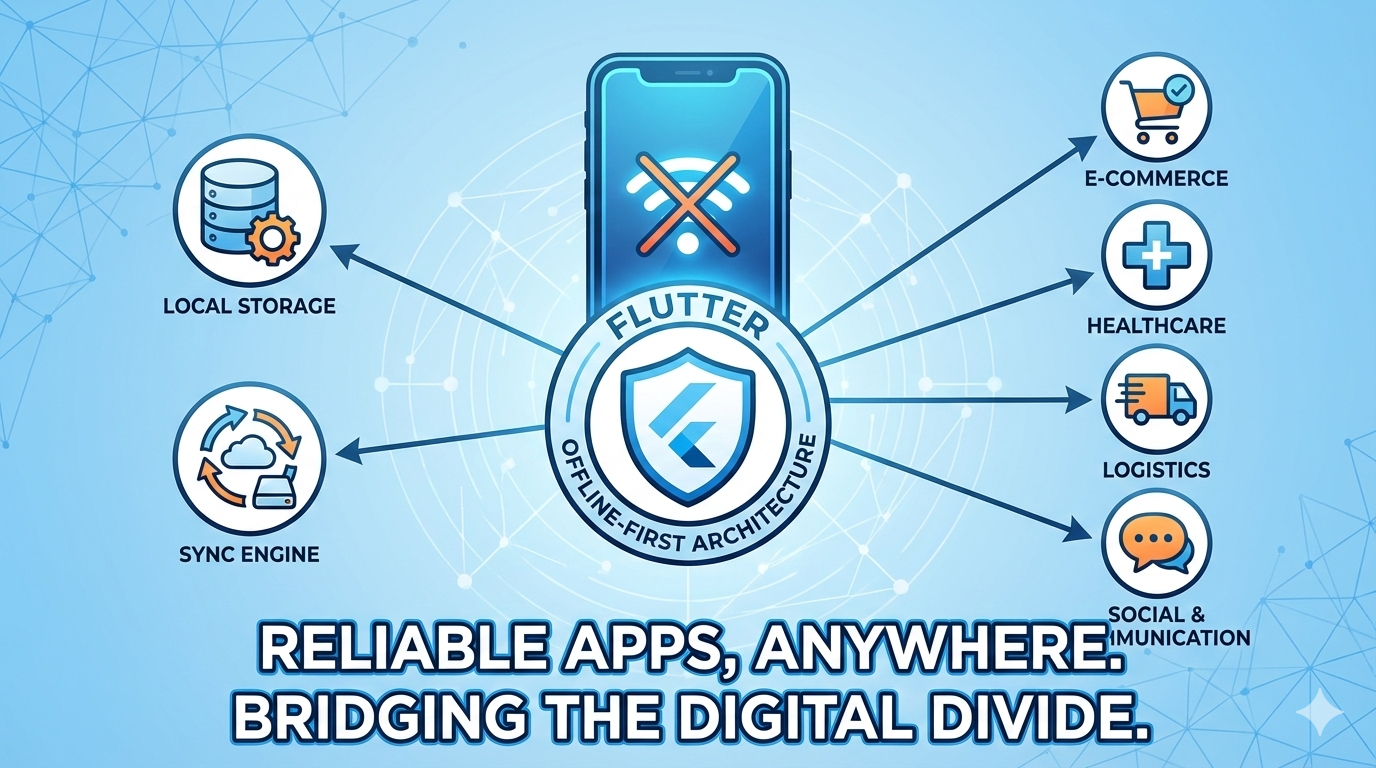
How to Build Apps That Work Without Internet
In today’s mobile ecosystem, users expect apps to work everywhere — inside hospitals, elevators, underground parking, rural areas, airplanes, and remote worksites. Unfortunately, internet connectivity in the real world is far from reliable. Networks drop, Wi-Fi is unstable, mobile data is slow, and sometimes there is no connectivity at all.
Yet most mobile applications are still built with the assumption that the internet will always be available.
This mismatch leads to serious problems: data loss, broken user flows, crashes, slow loading screens, and frustrated users who feel the app is unreliable. For businesses, it leads to lost productivity, poor reviews, and expensive support overhead.
Offline-first architecture exists to solve this problem.
Instead of treating “offline” as an error state, offline-first treats it as a normal operating condition. The app is designed to function completely without internet, and the network is used only to synchronize data when it becomes available.
Let’s explore what this means and how to build such systems in Flutter.
What Does “Offline-First” Really Mean?
Offline-first does not mean showing a message that says “No internet connection”.
It does not mean blocking the user until Wi-Fi comes back.
Offline-first means the app remains fully usable even when the device is offline.
In a true offline-first system:
- The user can view previously loaded data
- The user can create new data
- The user can update and delete records
- The app stores everything locally
- The app automatically syncs when the network returns
From the user’s perspective, the app never “breaks”. It just keeps working.
This is the experience users get from the best modern apps — and it is what enterprise and mission-critical systems require.
The Biggest Mistake Most Apps Make
Most mobile apps follow a traditional online-first architecture:
In this model, the UI waits for the server before it can display anything. If the network is slow or unavailable, the UI freezes, shows loaders, or throws errors. When the API fails, the entire experience collapses.
Offline-first apps follow a very different model:
Here, the local database becomes the primary source of truth. The UI never waits for the network. It reads from local storage instantly and remains responsive at all times. The server is used only as a synchronization endpoint.
This architectural shift is the foundation of reliable mobile apps.
Core Building Blocks of an Offline-First Flutter App
A well-designed offline-first Flutter app is built on five essential layers:
1. Local Database as the Source of Truth
In offline-first systems, the UI must never talk directly to the network.
Instead, all screens read data from a local database such as:
- SQLite
- Hive
- Drift
- Isar
When the app launches, it loads data from local storage and renders the UI immediately. Whether the user is online or offline, the behavior remains the same.
When new data comes from the server, it updates the local database — and the UI automatically reflects the change.
This design makes the app:
- Fast
- Predictable
- Resilient
2. Repository Layer
The repository layer hides where the data comes from.
Instead of calling APIs, the UI calls repository methods such as:
The repository decides whether:
- Data should be read from local storage
- A network request should be made
- Local data should be updated
This abstraction keeps UI code clean and ensures your offline logic is centralized and testable.
3. Sync Queue
When users perform actions while offline — such as updating a profile, submitting a form, uploading a report, or creating a record — the app must never block them.
Instead, it stores the action locally in a sync queue.
Each queued entry contains:
- API endpoint
- HTTP method
- Request payload
- Timestamp
When the device goes back online, the sync engine processes this queue and sends the requests to the server in the correct order.
This guarantees that no user action is ever lost.
4. Network Monitor
The app must continuously track connectivity changes.
When the device switches from:
- Offline → Online
The sync engine automatically:
- Sends queued requests
- Fetches fresh data
- Updates the local database
This process runs silently in the background without disturbing the user.
5. Conflict Resolution
Conflicts happen when:
- A user edits data offline
- The same data changes on the server
Every offline-first system must define how conflicts are handled:
- Last write wins
- Server wins
- Merge fields
- Manual resolution
The correct strategy depends on the business domain, but it must be designed intentionally.
Why Offline-First Architecture Is So Powerful
Offline-first apps deliver major advantages:
Zero Data Loss
Users never lose work, even during network outages.
Faster UI
Screens load instantly because data is local.
Better User Experience
No broken flows or “No internet” dead ends.
Higher Reliability
Backend issues don’t take the app down.
Better Scalability
Your system becomes more resilient as usage grows.
Where Offline-First Is Essential
Offline-first is not just a nice-to-have. It is a requirement for:
- Healthcare and medical systems
- Field service and inspection apps
- Sales and CRM tools
- Inventory and warehouse management
- Delivery and logistics
- Surveys and data collection
- IoT and telemetry dashboards
In all of these domains, connectivity cannot be guaranteed — but data integrity must be.
Why Flutter Is a Great Fit
Flutter is particularly strong for offline-first systems because it provides:
- Excellent async and state management
- Background isolates for sync engines
- Powerful local database libraries
- Consistent behavior across Android and iOS
A well-designed Flutter architecture allows you to build once and deploy the same offline-first logic on both platforms.
Final Thoughts
Offline-first is not a feature you add later.
It is an architectural decision you make at the beginning.
Apps that implement it correctly:
- Have happier users
- Fewer support issues
- Higher reliability
- Better reviews
- And stronger long-term stability
If you build your Flutter app with offline-first principles from day one, you create a product that works in the real world — not just in perfect network conditions.