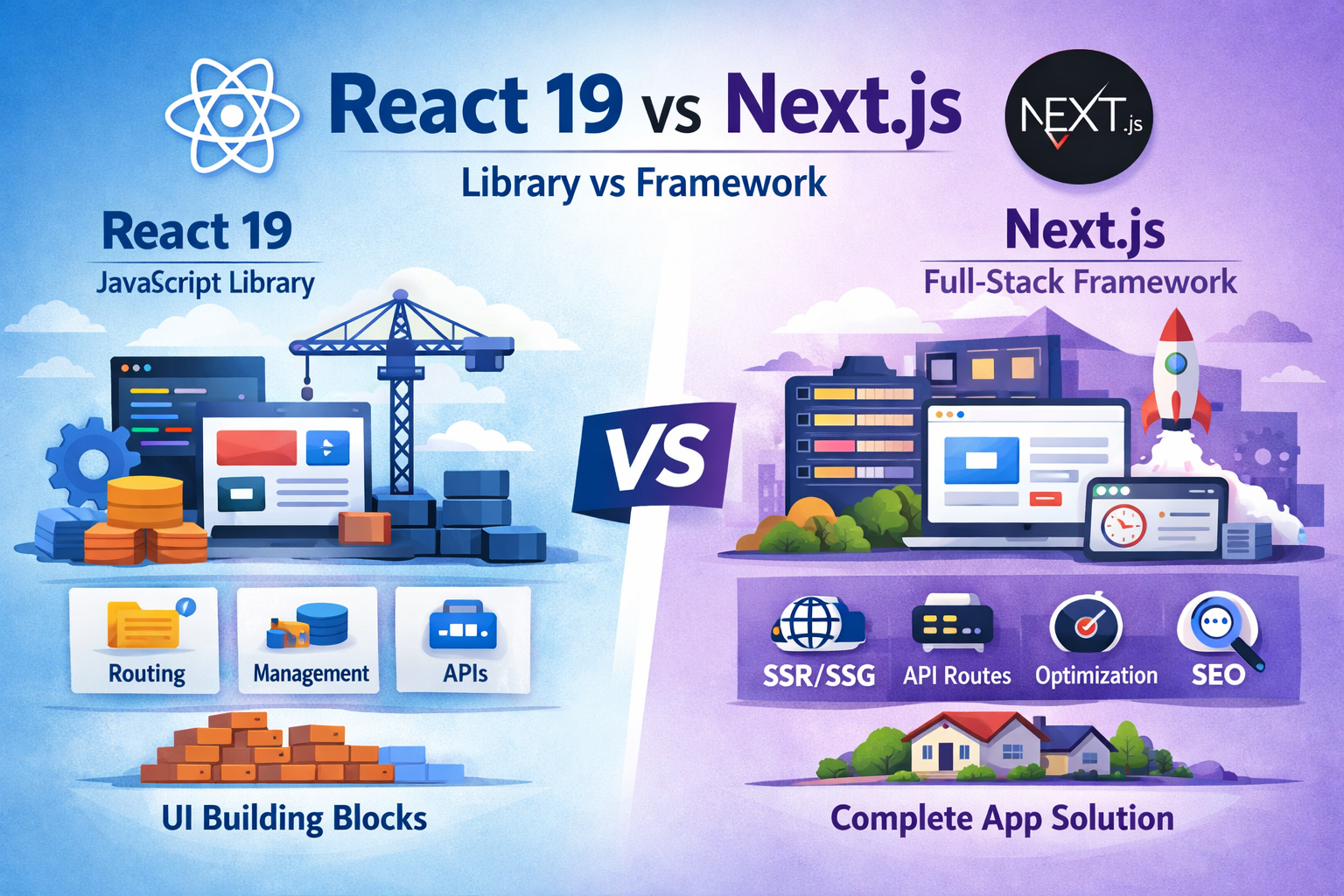
React has consistently evolved to simplify UI development, but React 19 is not just an incremental upgrade—it’s a paradigm shift toward server-first architecture, better performance, and improved developer experience.
Released in late 2024 and widely adopted through 2025, React 19 stabilizes many experimental features from React 18 and introduces powerful new APIs that fundamentally change how we build applications. (GeeksforGeeks)
In this blog, we’ll explore:
- Key new features
- Practical examples
- Real-world benefits for your projects
Why React 19 Matters
React 19 focuses on three major goals:
- Performance optimization (server-first rendering)
- Developer productivity (less boilerplate)
- Better UX & SEO
It encourages a mindset shift:
“Move logic to the server, keep UI on the client.”
1. React Server Components (RSC)
What it is
Server Components allow parts of your UI to render on the server instead of the browser.
Example
// Server Component
async function Products() {
  const data = await fetch("https://api.com/products").then(res => res.json());

  return (
    <ul>
      {data.map(p => <li key={p.id}>{p.name}</li>)}
    </ul>
  );
}
Benefits
- Faster initial load (less JS sent to client)
- Smaller bundle size
- Better SEO (HTML rendered on server)
React 19 makes Server Components stable and production-ready. (GeeksforGeeks)
2. “use client” & “use server” Directives
What it is
These directives control where your code runs:
"use client"; // Runs in browser

"use server"; // Runs on server
Benefits
- Clear separation of client vs server logic
- Avoid accidental heavy client bundles
- Better architecture for scalable apps
3. Server Actions (Game Changer)
What it is
Server Actions let you write backend logic directly inside React components.
Before (React 18)
async function handleSubmit() {
  await fetch('/api/save', { method: 'POST' });
}
After (React 19)
async function saveData(formData) {
  "use server";
  // directly runs on server
}

<form action={saveData}>
  <button type="submit">Save</button>
</form>
Benefits
- No need for custom API routes
- Less boilerplate code
- Better form handling
Server Actions eliminate traditional API layers in many cases. (GeeksforGeeks)
4. New Hooks in React 19
React 19 introduces powerful hooks that replace common patterns.
useOptimistic
Example
const [optimisticTodos, addTodo] = useOptimistic(todos);

function handleAdd(todo) {
  addTodo([...optimisticTodos, todo]);
}
Benefits
- Instant UI updates (optimistic UI)
- Better user experience for async actions
useFormStatus
import { useFormStatus } from 'react-dom';

function SubmitButton() {
  const { pending } = useFormStatus();
  return <button disabled={pending}>Submit</button>;
}
Benefits
- No prop drilling
- Easy form state management (GeeksforGeeks)
useActionState
Helps manage action states like loading, success, error.
use()
const data = use(fetchData());
Benefits
- Simplifies async data handling
- Reduces need for
useEffect
5. Ref as a Prop (No More forwardRef)
Before
const Input = React.forwardRef((props, ref) => {
  return <input ref={ref} />;
});
After (React 19)
function Input({ ref }) {
  return <input ref={ref} />;
}
Benefits
- Cleaner code
- Less boilerplate
- Easier TypeScript usage (Kellton)
6. Built-in Document Metadata API
React 19 allows managing <title>, <meta> directly inside components.
export default function Page() {
  return (
    <>
      <title>Dashboard</title>
      <meta name="description" content="Admin dashboard" />
    </>
  );
}
Benefits
- No need for libraries like react-helmet
- Improved SEO support (React India)
7. Improved Suspense & Streaming
React 19 enhances:
- Suspense streaming
- Partial rendering
- Faster hydration
Example
<Suspense fallback={<Loader />}>
  <HeavyComponent />
</Suspense>
Benefits
- Faster perceived performance
- Smooth loading experience
- Better UX
8. Better Error Handling & Hydration Debugging
React 19 provides:
- Clearer hydration errors
- Better debugging messages
Benefit
- Faster debugging
- Less confusion during SSR issues (Kellton)
9. Performance Improvements
- Concurrent rendering improvements
- Automatic batching
- Reduced blocking UI
These ensure smoother apps even under heavy load. (GeeksforGeeks)
Real Project Benefits
Here’s how React 19 helps your actual projects:
eCommerce Apps
- Faster product page loads (Server Components)
- Better SEO → more traffic
- Optimistic UI → faster checkout
Admin Dashboards
- Cleaner form handling (Actions + hooks)
- Less state management complexity
- Better performance with concurrent rendering
SaaS Applications
- Reduced frontend bundle size
- Easier backend integration
- Improved developer productivity
Should You Upgrade?
Upgrade if:
- You use Next.js / SSR apps
- You want better performance & SEO
- You’re building scalable apps
Wait if:
- Your app is pure SPA with no SSR needs
- Heavy dependency on older libraries
Final Thoughts
React 19 is more than just a version upgrade—it’s a shift toward full-stack React development.
Key Takeaways:
- Server-first architecture is the future
- Less boilerplate = faster development
- Better performance out of the box
If you adopt React 19 properly, you’ll:
- Write less code
- Ship faster apps
- Deliver a better user experience