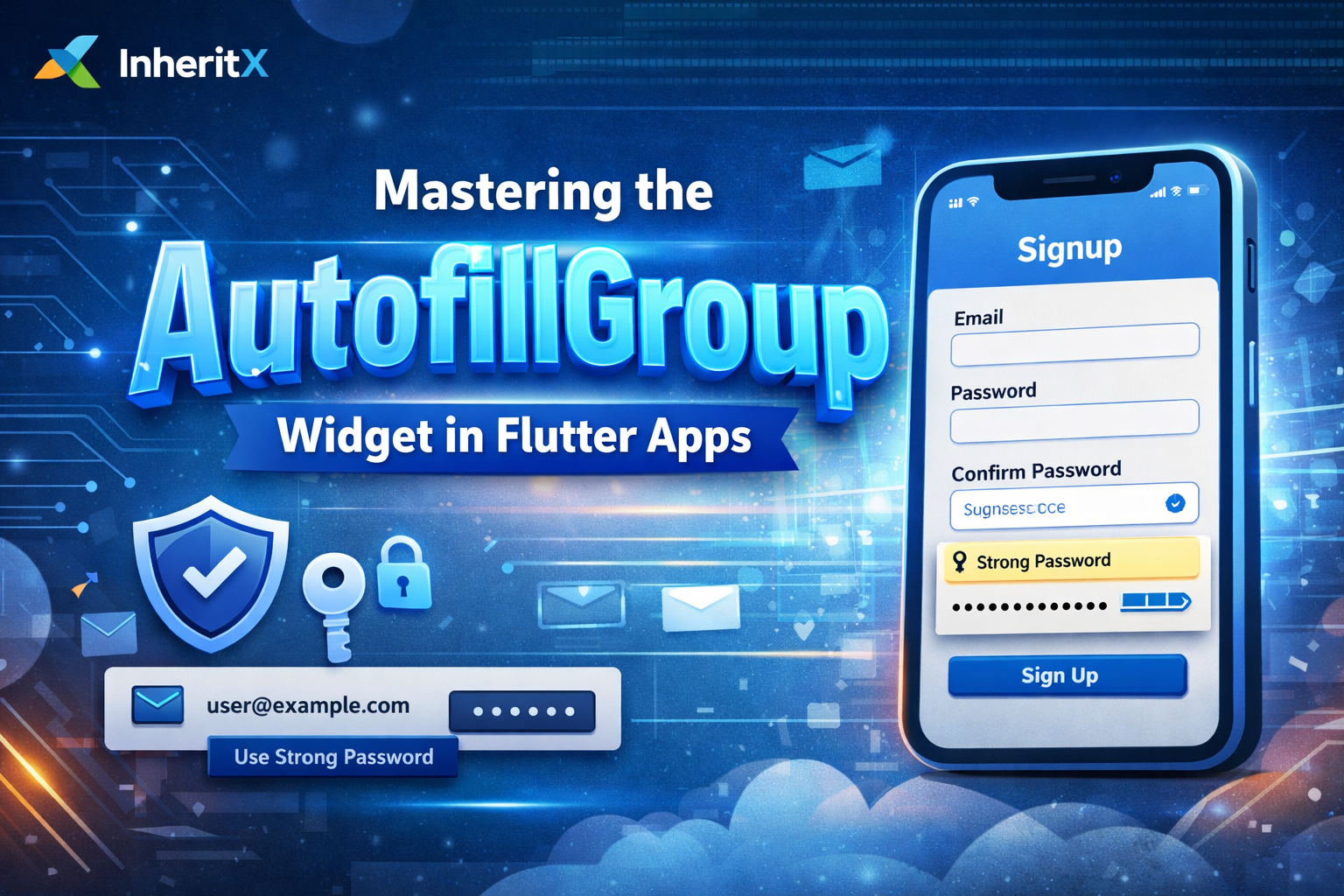
Why AutofillGroup Matters for Flutter Apps
Think about the last time you signed up for a new app.
Did you:
- Manually type your email?
- Create a password?
- Re-type the same password again?
Now imagine this instead:
- Your device suggests a strong password
- It autofills everything in one tap
- The credentials are securely saved for future logins
That’s the real power of AutofillGroup.
When implemented properly, autofill delivers three major benefits:
1. Reduced Friction
Users can complete forms with a single tap instead of typing everything manually.
2. Better Security
System-generated passwords are strong, unique, and safely stored in the device’s password manager.
3. Native, Polished UX
Your Flutter app behaves like a first-class native app, matching modern user expectations.
How AutofillGroup Works in Flutter
The AutofillGroup widget creates a logical scope for related text fields.
When you wrap your login or signup form with AutofillGroup, the operating system understands that these fields belong together.
The real magic happens when you combine AutofillGroup with AutofillHints.
Autofill hints tell the system:
- What data each field expects
- Whether it’s an email, username, password, or new password
- When to suggest saved credentials or generate new ones
Once configured, the OS handles the rest.
Implementing AutofillGroup: A Practical Login Example
Let’s build a fully working Flutter login screen with autofill support.
This example shows how easy it is to add this powerful feature.
Critical Implementation Details You Shouldn’t Miss
The most important step is calling: TextInput.finishAutofillContext();
This tells the operating system when to save credentials.
Without it, autofill suggestions may appear—but passwords won’t be saved.
Best Practices
- Login screens
AutofillHints.emailorAutofillHints.usernameAutofillHints.password
- Signup screens
- Use
AutofillHints.newPasswordto trigger password generation
- Use
Complete List of Useful AutofillHints
Flutter supports a wide range of autofill hints, including:
usernamenametelephoneNumberaddressLine1postalCodecreditCardNumber- and many more
Using the correct hint ensures faster form completion and better autofill accuracy.
Platform-Specific Behaviour
iOS
- Integrates with iCloud Keychain
- Syncs across Apple devices
- Supports Face ID and Touch ID
Android
- Works with Google Password Manager
- Supports third-party password managers
- Same Flutter implementation—no platform-specific code needed
Adding AutofillGroup to your Flutter app takes minutes,but the impact on UX, security, and polish is huge.
The next time you build a login or signup screen:
- Wrap it in
AutofillGroup - Use the correct
AutofillHints - Call
TextInput.finishAutofillContext()on submit
Your users may never say “wow, autofill!”—but they’ll absolutely feel the difference.